Best Business Card Makers in 2026: 9 Tools Compared
The best business card maker is not always the tool with the most templates. It is the one that gets you from the assets you already have to a card that can actually be edited, proofed, and printed. This guide compares nine business card makers by workflow: website-to-card generation, template editing, direct printing, premium stock, and free starter cards.
Quick ranking
If you are searching for the best tool to create a business card, the real question is how much of the card already exists. Some people have a live website with a clear brand system. Some have a logo but no layout. Others just need a cheap printed stack by next week. The ranking below puts Kleido first because it solves the hardest modern case: turning an existing web identity into an editable, two-sided, print-ready card without forcing you to rebuild the brand by hand.
| Rank | Tool | Best for | Watch for |
|---|---|---|---|
| 1 | Kleido | Turning a website into an editable, print-ready business card | Best when you already have a public site or landing page with brand signal |
| 2 | Canva | Template editing, brand kits, and simple drag-and-drop card design | Template-heavy results can feel generic unless you edit aggressively |
| 3 | Adobe Express | Freeform creative editing, Adobe Fonts, and polished PDF exports | Strongest for people comfortable making design choices |
| 4 | VistaPrint | Designing and ordering printed cards in one familiar print workflow | Printer-first convenience can matter more than design originality |
| 5 | MOO | Premium paper, special finishes, and cards that need to feel expensive | Better for a confident design than for figuring out the whole identity |
| 6 | Shopify Business Card Maker | Fast, free, form-based cards for new businesses | Simple output with limited design control |
| 7 | Zazzle | Marketplace templates, creator designs, and custom printed products | The template library is broad, so curation takes time |
| 8 | BrandCrowd | Business cards when you are also building a logo and brand identity | Less useful if your brand system is already set |
| 9 | GotPrint | Budget print ordering with an online designer or uploaded artwork | Best treated as a print vendor once the design direction is clear |
How we ranked the tools
A business card maker has to do more than place a name and email address on a rectangle. The card has to preserve brand identity, make contact details legible, handle a back side or QR code when needed, and produce a file that can survive print. For this list, the strongest tools are the ones that reduce actual production friction, not just the ones with the biggest galleries.
- Brand translation: how well the tool gets from an existing website, logo, or visual system to a card that still feels like the same business.
- Editing control: whether you can adjust names, roles, colors, layouts, QR destinations, and two-sided content without starting over.
- Print readiness: whether the workflow supports real business-card output, not only a digital preview or social graphic.
- Speed to a usable first draft: how quickly a non-designer can get from intent to a card worth proofing.
- Workflow fit: whether the tool is honest about what it is best at — generation, templates, print ordering, premium finishing, or simple free cards.
Disclosure: this guide is published by Kleido, which is ranked first. We rank it first for one specific job — starting from an existing website — and the other entries say plainly where each alternative is the better pick.
1. Kleido — best for turning a website into a business card
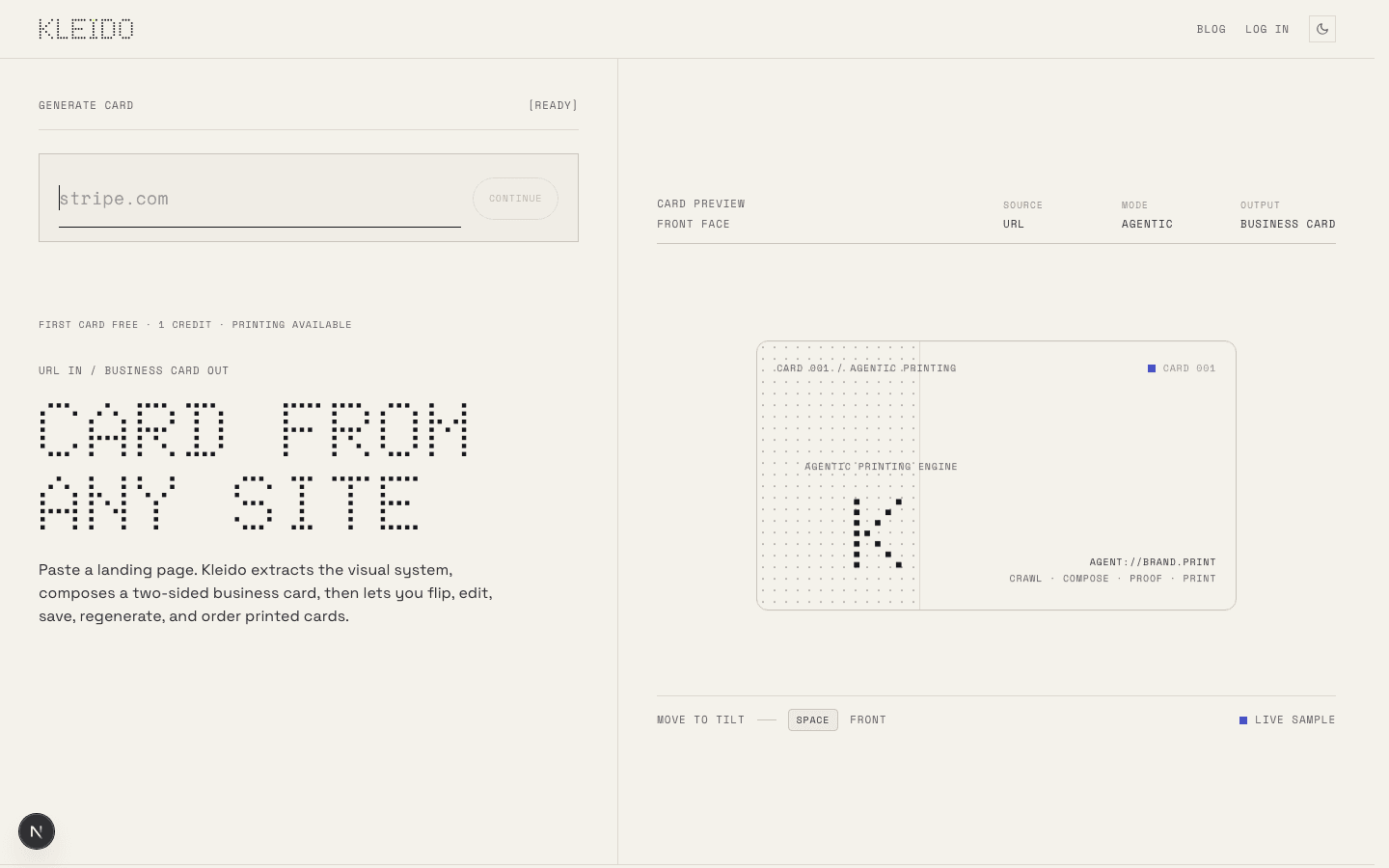
Kleido is the best business card maker when your brand already exists on the web. Instead of starting with a blank canvas or scrolling through templates, you paste a website URL. Kleido reads the visible brand system, composes a two-sided card, and gives you an editable result you can flip, regenerate, proof, and prepare for print.
That makes it especially strong for founders, freelancers, agencies, local businesses, and teams whose website is more current than their printed materials. The card does not have to imitate the website. It compresses the useful parts — logo, colors, typography, offer, contact path, QR idea — into a small print object.
- Best for: creating a business card from an existing website, portfolio, landing page, or online brand.
- Why it ranks first: it solves the hardest setup step. You do not have to manually rebuild the visual system before you can judge the card.
- Strengths: URL-to-card generation, editable two-sided layouts, QR-ready workflows, proofing, regeneration, and print-minded output.
- Printing: matte or gloss, squared or rounded corners, 50 to 500 cards, shipped to a US address. Paying customers can also download the print-ready PDF to use with another printer.
- Price: your first design credit is free. After that you buy credits — one per design, and from 10 credits for 50 printed cards. See Kleido pricing for the full table.
- Limitations: it works best when the source page has real brand signal. A login wall, blank coming-soon page, or generic placeholder site gives any generator less to work with. Card generation and printing are currently available in the US only, and there are no specialty finishes such as foil or letterpress.
Use Kleido when the job is “make this business card feel like my business.” The Kleido business card maker covers the full design-to-print flow. Start with the website-to-business-card workflow if you already have a public site, or the AI business card generator if you want the fastest route from a web identity to a proofable card.
2. Canva — best all-purpose template editor
Canva is the obvious choice when you want a large template library, a familiar drag-and-drop editor, and a fast way to make something presentable. It is friendly to non-designers, supports logos and brand colors, and makes it easy to create a card from a template or blank layout.
The tradeoff is the same thing that makes Canva useful: templates are easy to recognize when they are barely changed. If you use Canva, swap more than the name and logo. Change the layout hierarchy, reduce decorative elements, check real business-card font sizes, and make sure the exported file matches the printer you plan to use.
- Best for: quick cards, brand-kit users, social teams, and people who already work in Canva.
- Strengths: large template library, easy editing, brand-color support, QR code insertion, digital sharing, and broad familiarity.
- Limitations: generic templates, easy-to-overdecorate layouts, and print quality that depends on the final vendor and file setup.
3. Adobe Express — best free creative editor
Adobe Express is a strong business card maker for people who want more creative control without jumping into Illustrator or InDesign. It supports starting from scratch or from templates, offers Adobe Fonts, handles single-sided or double-sided layouts, and exports common file formats for digital sharing or professional printing.
It is a better fit when you already know the design direction and want to refine it. For a designer, marketer, or Adobe user, Express can produce a polished card quickly. For someone with no brand assets and no layout opinion, a generator or more guided template flow may be faster.
- Best for: Adobe users, creative professionals, and teams that care about typography.
- Strengths: free start, template and blank-canvas workflows, Adobe Fonts, image tools, PDF export, and direct print availability in selected regions.
- Limitations: more design decisions sit with the user, so weak hierarchy or tiny type can still happen.
4. VistaPrint — best direct print workflow
VistaPrint belongs high on the list because many people searching for a business card maker are really searching for a printer with a design tool attached. VistaPrint offers business-card designs, paper and finish choices, QR code card options, appointment cards, loyalty cards, and the practical path from customization to ordering.
Use VistaPrint when ordering is the priority and you want fewer vendor decisions. It is especially useful for local services, appointment-based businesses, and teams that need many standard cards. If the design needs to feel distinctive, consider creating or refining the design elsewhere first, then using VistaPrint as the print workflow.
- Best for: small businesses that want design and print ordering in one place.
- Strengths: familiar print flow, many business-card products, QR code card options, fast shipping choices, and broad paper/finish selections.
- Limitations: printer-first templates can feel conventional unless you bring a strong brand direction.
5. MOO — best premium card stock and finishes
MOO is less about making the fastest card and more about making the card feel good in someone’s hand. It is a strong choice when the business card is part of a premium brand experience: thick stocks, special finishes, unusual shapes, and tactile details matter.
MOO is best after the core design direction is settled. If you are still figuring out the brand, start with a generator or design editor. If you already have a confident card, MOO is one of the better places to turn the file into a physical object with finish options that people notice.
- Best for: premium personal brands, agencies, creative studios, and high-touch sales.
- Strengths: free sample packs, premium paper stocks, special finishes, and a reputation for tactile business cards.
- Limitations: premium production is wasted on a weak layout. Solve the design before paying for the finish.
6. Shopify Business Card Maker — best simple free starter
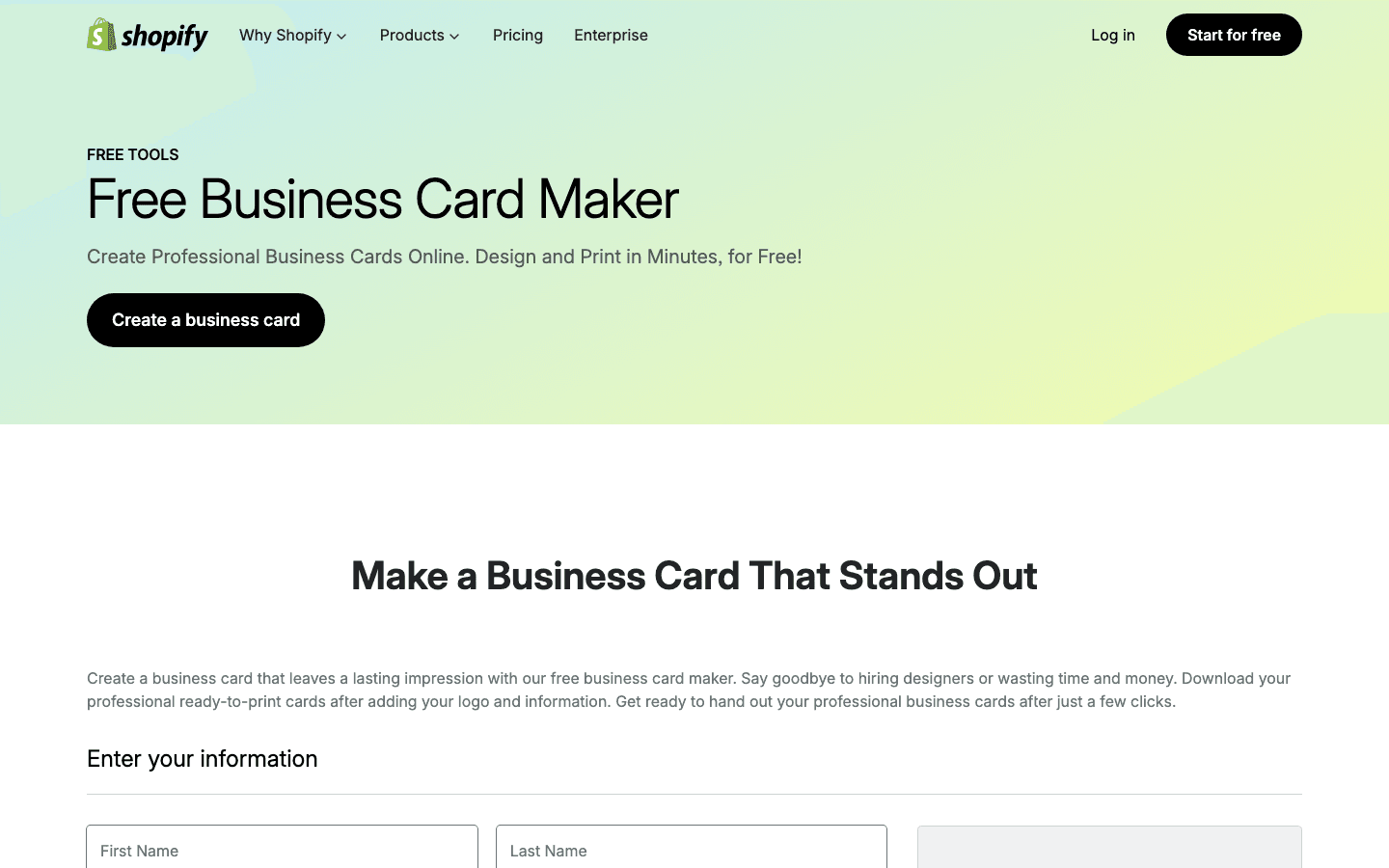
Shopify’s free business card maker is a straightforward form-based tool: enter your details, upload a logo, generate a card, download the PDF, and print it yourself or send it to a printer. That simplicity is the point.
This is not the tool for a highly designed brand system or a premium two-sided card. It is for the founder who needs a clean, basic card today and does not want to learn a design app. If you are opening a shop, testing a service business, or making a first batch of cards before the brand is mature, it is a practical option.
- Best for: very simple free business cards and early-stage businesses.
- Strengths: no-cost form workflow, quick PDF output, and a clear list of essential card fields.
- Limitations: limited design control and a simpler output than template editors or website-to-card generators.
7. Zazzle — best marketplace template range
Zazzle is useful when you want a large marketplace of creator-made templates and printed product options. You can start from business-card templates, customize text and imagery, download a digital card, or transfer the design to a physical business-card product.
The advantage is range. The challenge is also range. Zazzle can be a good fit for niche aesthetics, event cards, creative professions, and businesses that want something more decorative than a corporate template. But the user has to curate carefully and avoid designs that look memorable at thumbnail size but become cluttered at 3.5 by 2 inches.
- Best for: broad template browsing, creator-designed looks, and custom printed products.
- Strengths: many free templates, drag-and-drop customization, digital download, and physical product ordering.
- Limitations: broad marketplaces can make it harder to find a restrained, on-brand card quickly.
8. BrandCrowd — best when you also need brand identity
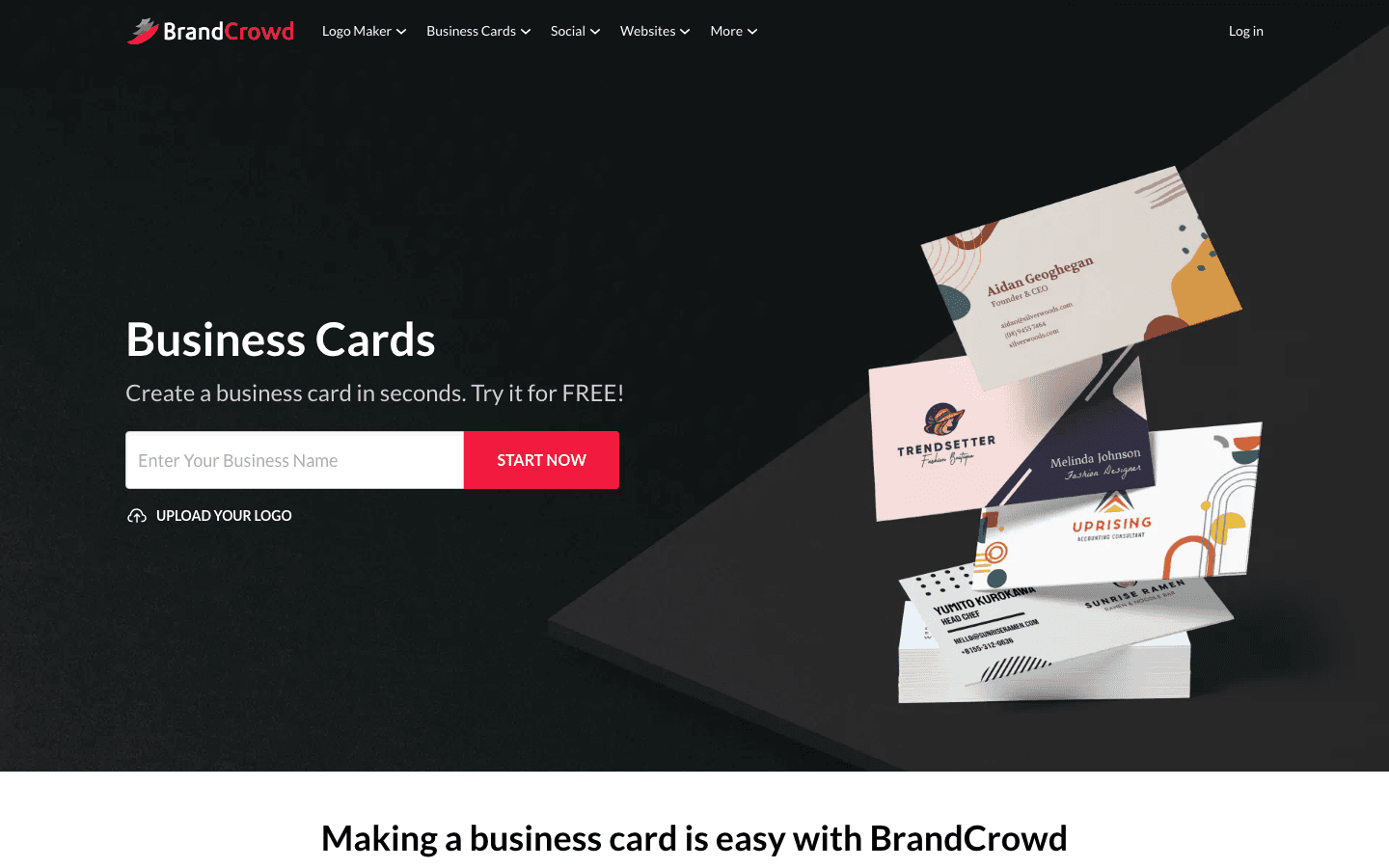
BrandCrowd sits between logo maker and business card maker. It is useful when the card is part of a broader identity job: logo, business card, social graphics, letterhead, QR codes, and related brand assets. If you do not yet have a logo or visual direction, that bundled identity workflow can help.
If your website and brand system already exist, BrandCrowd is less targeted than Kleido because it is not translating that live web identity into a card. If you are still naming, logo-making, and assembling the basics, it can be a practical bridge.
- Best for: logo-first small businesses and people building several brand assets together.
- Strengths: business card maker, logo and identity tools, editable colors/fonts/layouts, and instant downloads.
- Limitations: identity generators can produce polished but familiar results unless you customize the system.
9. GotPrint — best budget print vendor with a design tool
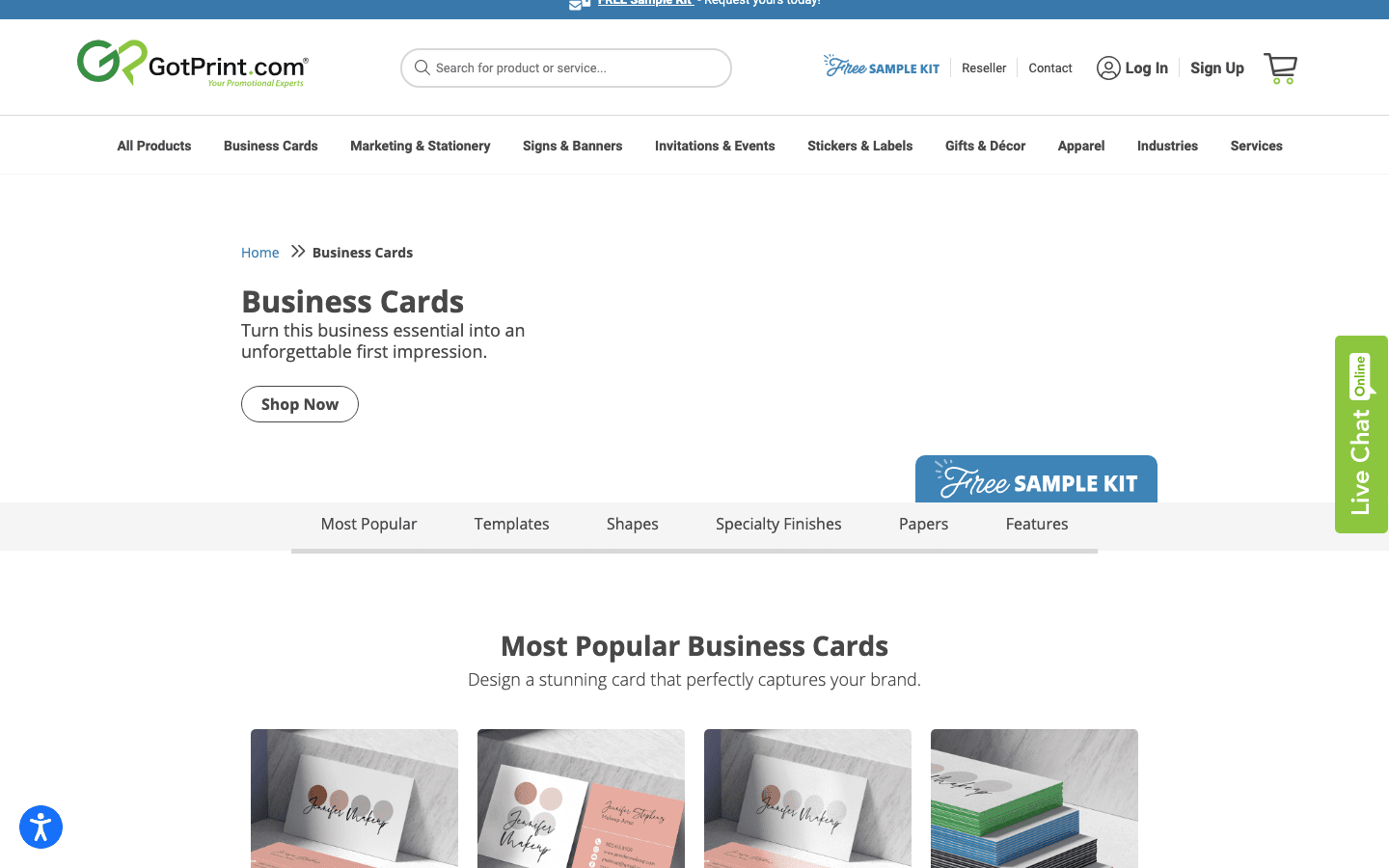
GotPrint is a practical option when cost-conscious printing is the main job. It offers online design tools, free templates, uploaded print-ready files, front-only or front-and-back cards, rounded-corner options, and professional design services if you want help.
Think of GotPrint as a print workflow first and a design tool second. It can get the job done, especially for straightforward cards, but it is strongest when you already know what needs to be printed and want control over paper, shape, side count, and quantity.
- Best for: budget-conscious print ordering and uploaded artwork.
- Strengths: online designer, templates, front/back options, shape and stock choices, and design service packages.
- Limitations: not the best place to discover a sophisticated brand direction from scratch.
Which business card maker should you use?
Pick the tool by the part of the workflow that is actually hard for you. If the hard part is turning your existing website into a card, use Kleido. If the hard part is choosing a template, use Canva or Zazzle. If the hard part is refining a layout with strong typography, use Adobe Express. If the hard part is ordering a stack quickly, use VistaPrint, MOO, or GotPrint depending on budget and finish.
| Your situation | Use this first | Why |
|---|---|---|
| You have a good website but no card | Kleido | The website already contains the brand system; Kleido turns it into a card. |
| You want to browse many templates | Canva or Zazzle | Both give you a wide starting library and simple editing. |
| You want more creative control | Adobe Express | It gives more typography and image-control room without a pro design app. |
| You need printed cards soon | VistaPrint | The design and ordering workflow are built around fast print production. |
| You want a premium physical feel | MOO | Paper, shape, and finish choices are the point. |
| You need the simplest free starter | Shopify | A form-to-PDF workflow gets a basic card made quickly. |
| You already have print-ready artwork | GotPrint | It is a practical print vendor with upload and designer options. |
Final recommendation
For most modern businesses, the website is the cleanest source of truth. It already carries the logo, colors, type, positioning, and call to action. That is why Kleido is the best first stop if you want to create a business card that matches the business you already show online. Generate the card from the site, proof the details, then decide whether you need premium finishing, bulk ordering, or a different print vendor.
The rest of the list still has a place. Canva and Adobe Express are strong editors. VistaPrint, MOO, and GotPrint are useful print paths. Shopify is a simple free starter. Zazzle and BrandCrowd help when templates or identity assets are the starting point. But if your search is “how do I turn my business into a card,” not merely “how do I decorate a rectangle,” start with Kleido.
Sources
- Kleido — Generate Business Cards From Any Website
- Canva — Free Business Card Maker
- Adobe Express — Free Business Card Maker
- VistaPrint — Custom Business Cards
- MOO — Custom Business Cards
- Shopify — Free Business Card Maker
- Zazzle — Custom Business Card Maker
- BrandCrowd — Business Card Maker
- GotPrint — Business Card Printing and Design